
Start MoveQuest free with Phantom miners
Claim your free Phantom miners and start earning MQT for the movement you already do. No mint cost — just a few minutes and about $1 of AVAX for gas.
Watch: What is MoveQuest? (2 min)
What are Phantom miners?
Your free way in. Phantom miners let you start earning MQT from your activity with no mint cost.
Watch: Phantom miners explained
Claim yours in four simple steps
Follow along — most people are done in under ten minutes.
Connect your wallet
Your Phantom miners live in your own DeFi wallet — you stay in full control. Connect the wallet you'll use.
Install a free DeFi wallet like SafePal from its official site or your app store, create your wallet, and write down your recovery phrase on paper. Never share it or store it online — MoveQuest will never ask for it.
Get on Avalanche & add a little AVAX
MoveQuest claims your Phantoms on the Avalanche C-Chain, so switch your wallet to Avalanche. You'll need only about $1 of AVAX — often less — to cover the activation and claim transactions. A dollar keeps them clearing fast.
Link your sponsor · RECOMMENDED
Set your activation code to link the person who referred you. Claiming free Phantoms earns no commission — but once your code is set, your sponsor is saved, so when you later choose to mint miners, they receive their 50% instant-paid commission. It costs you nothing extra.
Claim your free Phantom miners
Once your wallet is connected, on Avalanche, and holding a little AVAX, claim your free Phantoms here.
Own your miners — mint your NFT fleet
Phantoms are a free head start; minted miners are NFTs you own for good. Add any mix and mint them in one batch — more power (volts) as you climb.
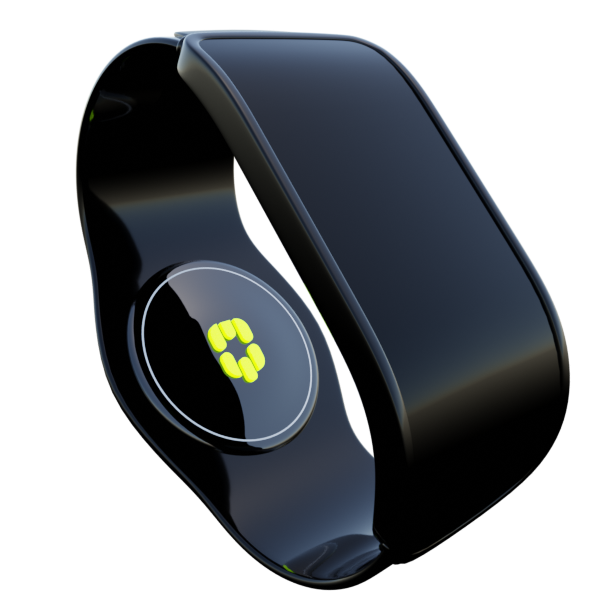
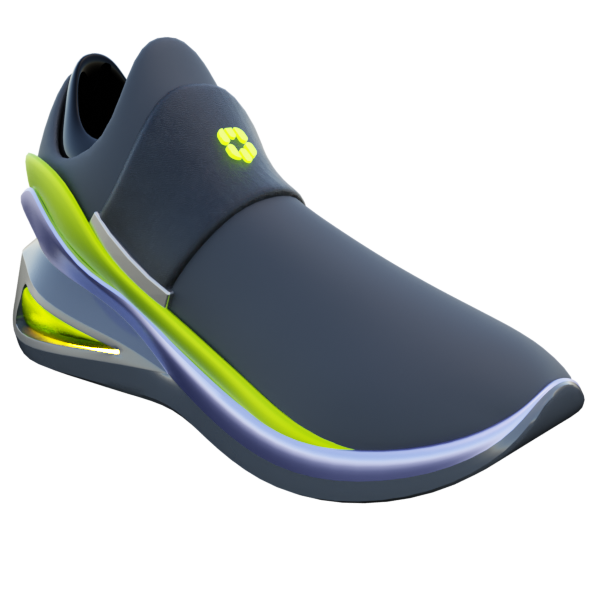
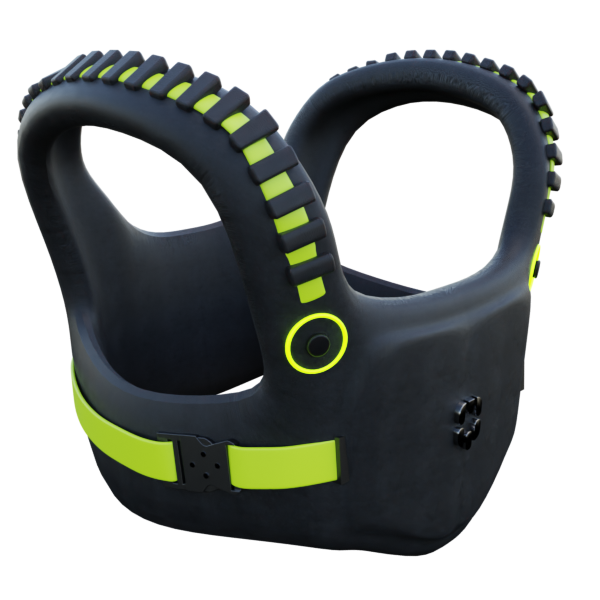
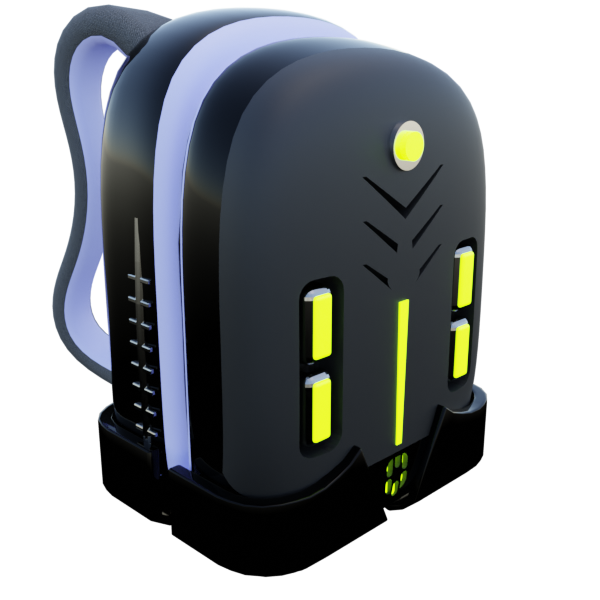

AVAX quote updates with your current selection.
Fund your in-app wallet
Your in-app wallet pays for your daily Proof-of-Physical-Activity submissions. Move a little AVAX into it right here — no need to leave this page.
Download the MoveQuest app
The app is where you submit your daily activity and watch your MQT add up. Grab it for your phone.
body.x_on_a_computer_searchbody.x_movequest in the App Store or Google Play on your phone. After installing, open the app and complete the setup prompts.
Ready for the full setup?
Once you've claimed, these guides walk you through the app, health data, and your first activity submission.
Phantom setup guide
The complete free-start walkthrough — connect, activate, claim, fund your in-app wallet, and download the app.
Open the guidebody.or_download_the_pdfMinting setup guide
When you're ready to mint — fund, plan costs with the calculator, mint, dock, and submit.
Open the guidebody.or_download_the_pdfConnect your wallet to generate a shareable referral link for this page.
Live Zoom support